MP3 is old, but still useful
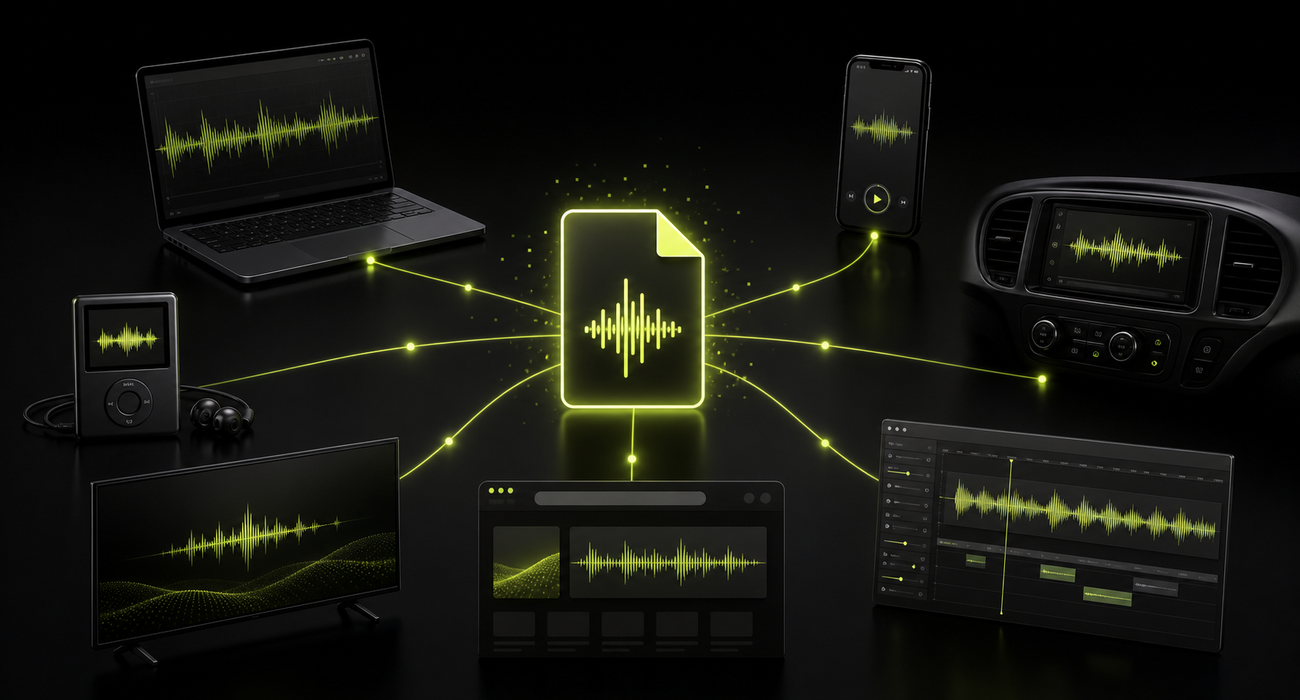
MP3 has been around long enough to feel invisible. That is part of its strength. Most people do not need to install a special player, explain the format, or wonder whether a recipient can open it. The file simply works in a huge number of places.
Newer codecs such as Opus and AAC can be better choices for specific jobs. Opus is excellent for real-time voice and efficient streaming. AAC is common in modern music ecosystems. But MP3 remains the safe option when you do not control the receiving device, browser, editor, car stereo, or upload system.
The practical reason
MP3 survives because it removes questions. When a file has to work for unknown people on unknown devices, boring compatibility is valuable.
Compatibility is the real superpower
The biggest advantage of MP3 is not that it is the newest or most efficient codec. It is that support is deeply embedded across operating systems, browsers, audio editors, phones, smart TVs, car dashboards, learning platforms, podcast tools, and older hardware.
That broad support matters in ordinary work. A teacher sharing listening material, a journalist sending interview clips, a musician sending a rough demo, or a support team collecting voice evidence often needs the format that causes the fewest support messages.
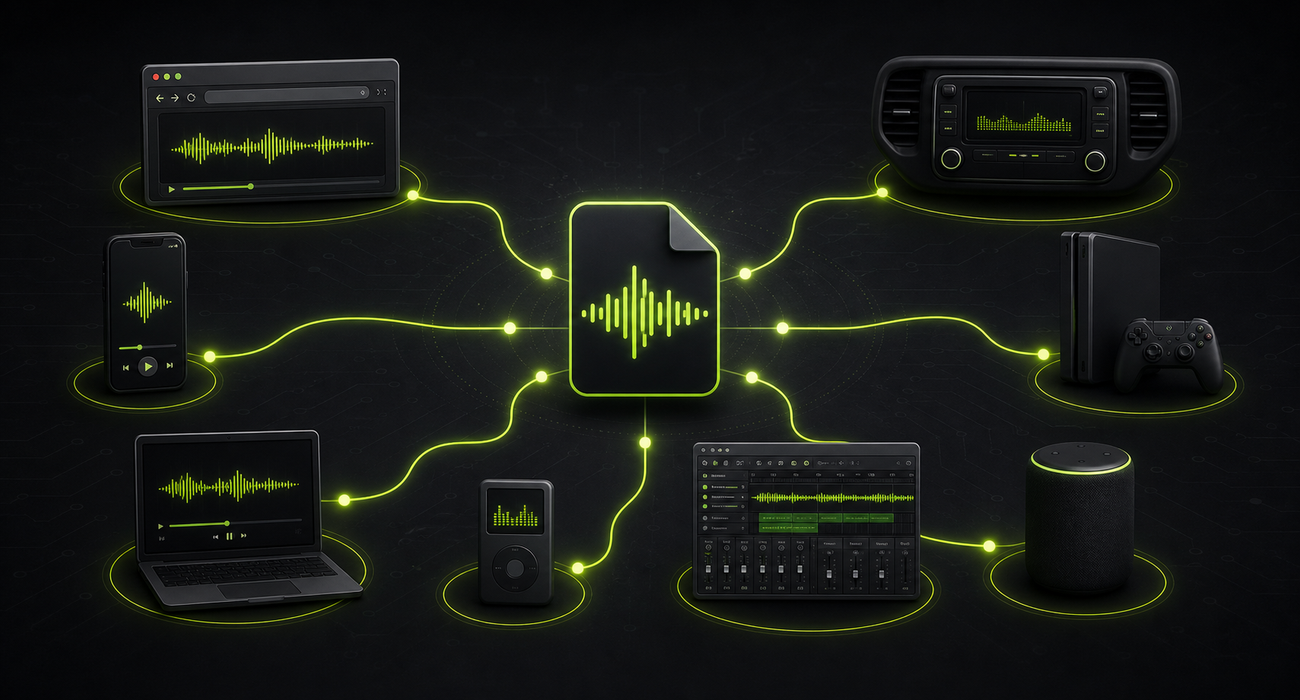
- Use MP3 when the recipient may be on old software or hardware
- Use MP3 when an upload form accepts only a short list of formats
- Use MP3 when a car stereo, classroom system, or simple web player must open the file
- Use MP3 when explaining the format would create more friction than the audio itself
Small files still matter
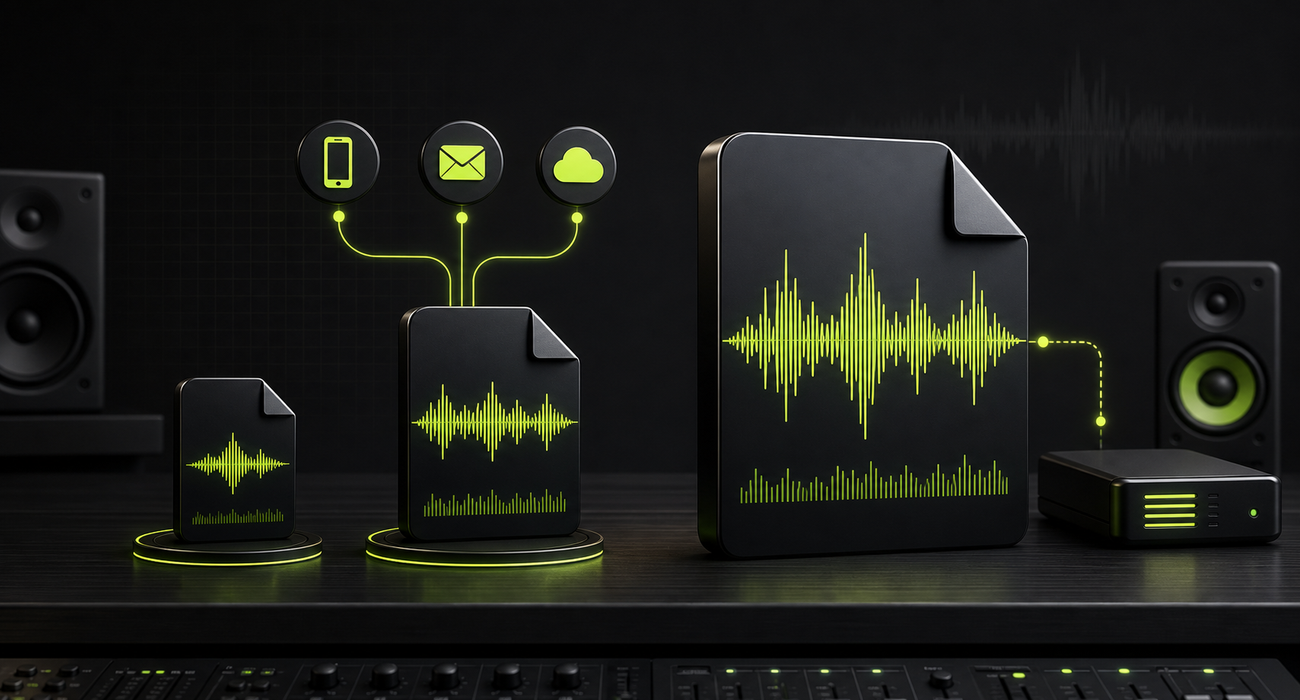
Bandwidth is better than it used to be, but file size still matters. People send audio through chat apps, email attachments, learning platforms, content management systems, help desks, and cloud folders with storage limits. Smaller files move faster and fail less often.
MP3 is not the smallest possible modern format at every quality level, but it offers a useful balance: acceptable sound, predictable size, and broad playback. For speech, lectures, rough music references, drafts, and simple distribution, that balance is often enough.
Universal support reduces friction
Modern audio work often crosses many tools. A recording may start as a voice memo, move through a browser converter, get trimmed in an editor, upload into a CMS, and end up inside a web page or training portal. Every handoff is a chance for format support to break.
MP3 reduces that risk because the decoding path is mature. It is also easy for users to recognize. Even when people do not understand codecs, they often understand that .mp3 means audio.
| Need | Why MP3 helps | When to consider another format |
|---|---|---|
| Sharing with many recipients | Most devices can play it | Use WAV if recipients need editing headroom |
| Publishing simple web audio | Browser support is broad | Use Opus or AAC when efficiency is the main goal |
| Archiving spoken audio | Small and easy to catalog | Use lossless formats for preservation masters |
| Uploading to older systems | Accepted by many legacy tools | Use the exact format required by the platform |
When MP3 is the right choice
MP3 is a good choice when the goal is reliable playback, not perfect preservation. It is especially useful when the audio is already lossy, when the recording is speech, when the audience is broad, or when the file needs to pass through tools with unknown requirements.
It is also useful as a delivery copy. You can keep a higher-quality original for editing and export an MP3 for sharing. That keeps the workflow flexible without forcing every listener to deal with a large or less familiar file.
- Public downloads where compatibility matters
- Podcast drafts and interview review copies
- Voice notes, lectures, and spoken instructions
- Email or chat attachments where size limits matter
- Simple web playback and older hardware workflows
When newer formats are better
MP3 is practical, but it is not always the best technical choice. If you control the playback environment, a newer codec may give better quality at a lower bitrate. Opus is especially strong for speech, real-time communication, and low-bitrate streaming. AAC is common in many music and device ecosystems.
Lossless formats such as WAV or FLAC are better when you need editing headroom or archival preservation. The important point is not that MP3 beats every alternative. It is that MP3 remains the dependable fallback when the environment is messy.
Simple rule for 2026
Use modern codecs when you control the app or platform. Use MP3 when the file needs to travel through the widest possible set of tools.
Beginner FAQ
Is MP3 outdated in 2026?
MP3 is technically old, but not useless. It remains practical because support is nearly universal and the files are easy to share, upload, and play.
Does MP3 sound worse than newer formats?
At the same bitrate, newer codecs can often be more efficient. But a well-encoded MP3 can still sound good enough for many real-world uses, especially when compatibility is the main goal.
Should I convert every audio file to MP3?
No. Convert to MP3 when you need easier playback or sharing. Keep the original when you need maximum quality, editing headroom, or a lossless archive.
Why do websites and apps still accept MP3 uploads?
Because MP3 support is mature and predictable. Accepting MP3 reduces playback problems for users across browsers, devices, and older systems.