What lossy and lossless actually mean
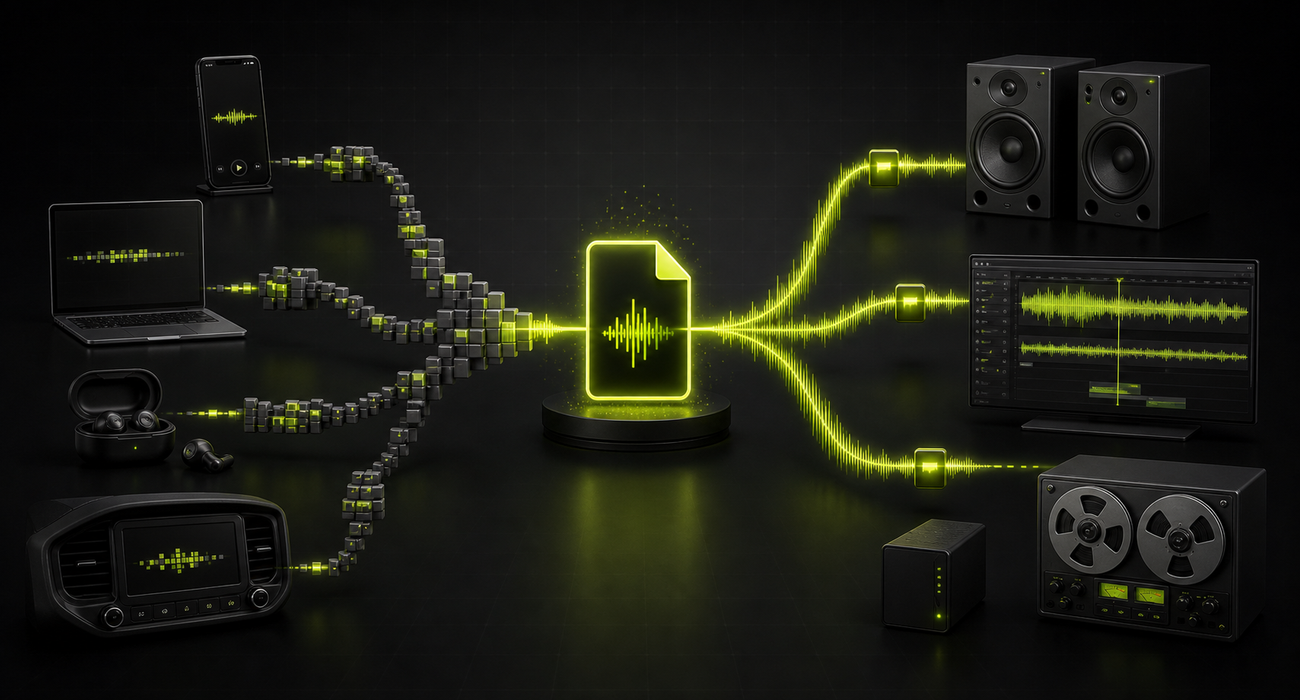
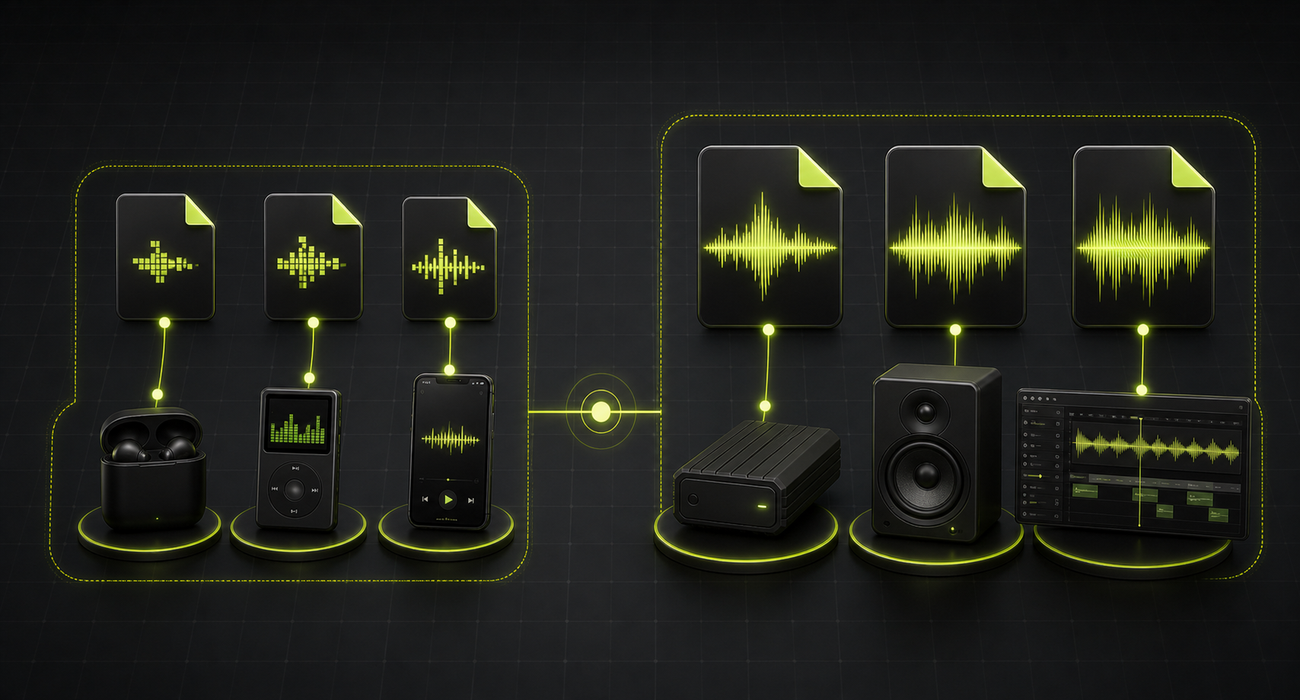
The easiest way to understand audio formats is to separate quality from purpose. Lossy audio is designed for efficient delivery. It uses psychoacoustic compression to remove information that most listeners are unlikely to notice in normal conditions, which makes the file much smaller.
Lossless audio is designed for preservation. It either stores the waveform directly, as WAV often does with PCM audio, or compresses it without throwing away audio information, as FLAC and ALAC do. If you decode a lossless file, the audio data can match the source it was made from.
- Lossy is usually about smaller files and easier delivery
- Lossless is usually about keeping a faithful master or archive
- A better format cannot fix a poor recording, clipping, room noise, or bad mixing
The practical shortcut
Use lossy for the copy people will play. Use lossless for the copy you may edit, archive, or convert from later.
A quick map of common formats
Format names often get treated like quality labels, but they are really workflow labels. MP3, AAC, and Opus are lossy codecs. FLAC and ALAC are lossless codecs. WAV is a container format, and in everyday use it often carries uncompressed PCM audio.
The best choice depends on where the file needs to go. A lecture uploaded to a learning platform has different needs than a music master, a podcast draft, a voice message, or a sound effect library that will be edited again next year.
| Format | Type | Best for | Watch out for |
|---|---|---|---|
| MP3 | Lossy | Maximum playback compatibility | Less efficient than newer codecs at low bitrates |
| AAC | Lossy | Music on phones, streaming, and Apple-friendly workflows | Older tools may still expect MP3 |
| Opus | Lossy | Speech, real-time chat, low-bitrate audio, and modern web apps | Some older editors and devices reject .opus files |
| FLAC | Lossless | Music archives and masters without WAV-sized files | Not every lightweight app accepts it |
| WAV | Usually lossless PCM | Recording, editing, broadcast handoff, and short production masters | Large files and clumsy metadata |
| ALAC | Lossless | Apple libraries that need lossless quality | Best fit inside Apple-centered workflows |
When lossy audio is enough
For everyday listening, a well-encoded lossy file is often the sensible choice. The difference between a good AAC, Opus, or MP3 file and a lossless version may be hard to hear on earbuds, laptop speakers, car systems, Bluetooth speakers, or in noisy places.
Lossy audio is also useful when speed and compatibility matter. Smaller files upload faster, attach more easily, take less storage, and are less likely to fail in chat apps, school portals, support forms, and content management systems.
- Choose MP3 when the receiving device or platform is unknown
- Choose AAC when you are working inside phone, streaming, or Apple-friendly music workflows
- Choose Opus for efficient speech, voice notes, calls, browser recordings, and low-bitrate delivery
When lossless is worth it
Lossless matters when the file is not just for listening. If you recorded an interview, captured a performance, bought a high-quality download, mixed a song, built a sound library, or received a client deliverable, you probably want a version that can survive future work.
A lossless master gives you room to edit, normalize, trim, restore, transcode, and export new delivery copies without adding another generation of lossy damage. That does not mean every listener needs FLAC or WAV. It means the person responsible for the source should keep one clean copy.
- Keep lossless originals for recordings you cannot easily recreate
- Use WAV or FLAC when editing will happen in several stages
- Use ALAC when you want lossless files inside an Apple-centered library
- Export smaller MP3, AAC, or Opus copies only after the master is safe
Conversion rules that prevent disappointment
The most common mistake is assuming conversion can create quality that is no longer there. Converting MP3 to FLAC makes a larger lossless container around the same already-lossy audio. It may be useful for compatibility with an editing tool, but it does not restore removed detail.
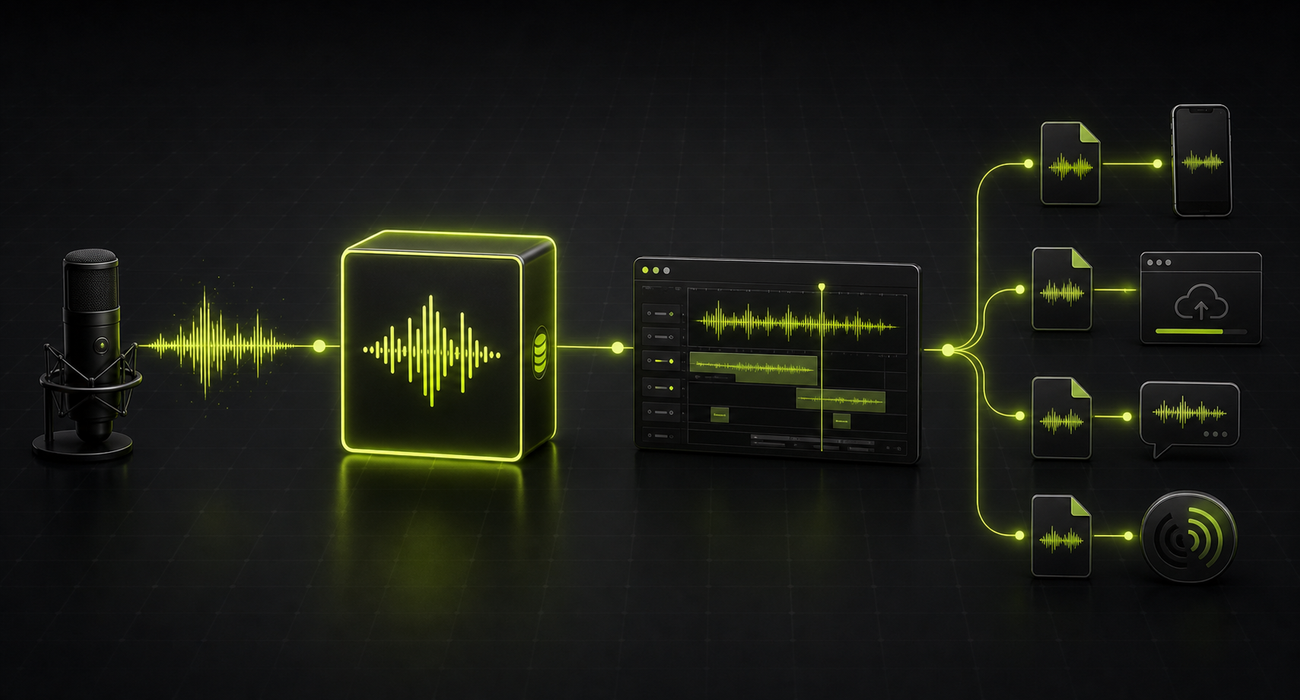
The clean workflow is simple: keep the best available source, edit from that source, then export the smallest delivery file that still fits the audience and platform. If the only source is already lossy, avoid repeatedly converting it through more lossy formats.
Do not chase fake upgrades
Converting a lossy file to WAV, FLAC, or ALAC can help a tool accept it, but it cannot make the audio more detailed than the lossy source.
Practical picks by use case
For everyday users, the safest default is still MP3 when sharing with other people and AAC or Opus when an app already handles those formats well. Students can usually use MP3 for class submissions, voice clips, and downloads unless the teacher or platform asks for something else.
Creators and professionals should think in two layers: a master and a delivery copy. Keep WAV, FLAC, or ALAC for the master when quality and future editing matter. Export MP3, AAC, or Opus when the goal is playback, review, upload, streaming, or fast sharing.
- Everyday listening: AAC, MP3, or Opus at a sensible bitrate
- Voice notes and speech: Opus when supported, MP3 when compatibility matters
- Student assignments: MP3 unless the rubric asks for WAV or another format
- Podcast or video drafts: MP3 or AAC for review, WAV or FLAC for source storage
- Professional handoff: ask for the required spec; when unsure, keep a lossless master
Beginner FAQ
Can most people hear the difference between lossy and lossless audio?
Sometimes, but not reliably in every situation. The encoder, bitrate, headphones, listening environment, source quality, and the listener all matter. Many people get more noticeable improvement from better recordings, better headphones, or less noise than from switching every file to lossless.
Is WAV always better than FLAC?
No. WAV is often convenient for recording and production handoff, but FLAC can preserve the same audio information in a smaller file. WAV may still be preferred when a studio, editor, broadcaster, or client specifically asks for it.
Does converting MP3 to FLAC improve quality?
No. It can make the file compatible with a lossless-only workflow, but it cannot restore audio details already removed by MP3 compression. The result is usually a larger file with the same audible limitations as the MP3 source.
Which format should I choose if I am unsure?
Use MP3 for broad sharing, Opus for efficient speech when supported, AAC for many modern music and phone workflows, and FLAC or WAV when you need a master for editing or archiving.